Installation
You will need the Python utility uv and the Git version control system. For a simpler installation, you can also use VSCode.
After installing the necessary dependencies, go to the project page and click the three dots. In the menu that opens, click 'Open with VS Code'.
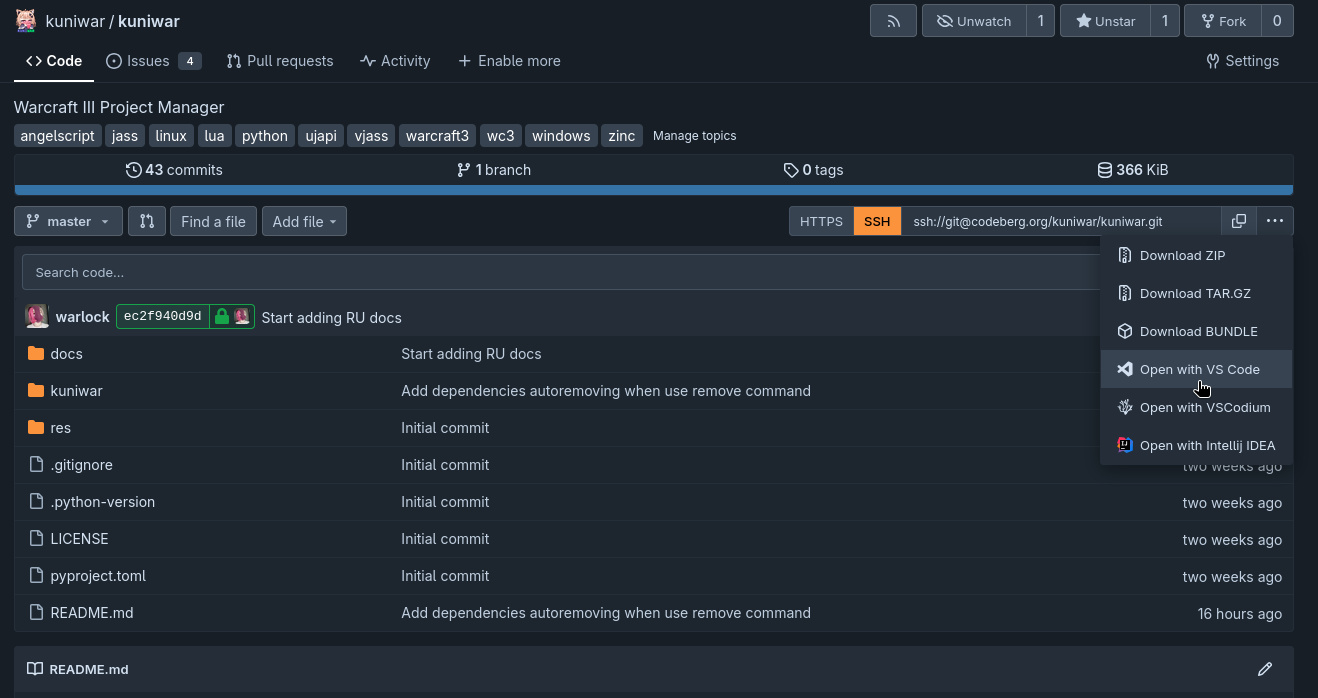
Next, follow the instructions in the editor.
Building the Project
After cloning the repository, you will need to build the project and install it. To do this, run the following commands in the terminal:
Important
The $ in commands simply designates the account under which the command is run, in this case, the regular user, so $ should not be used.
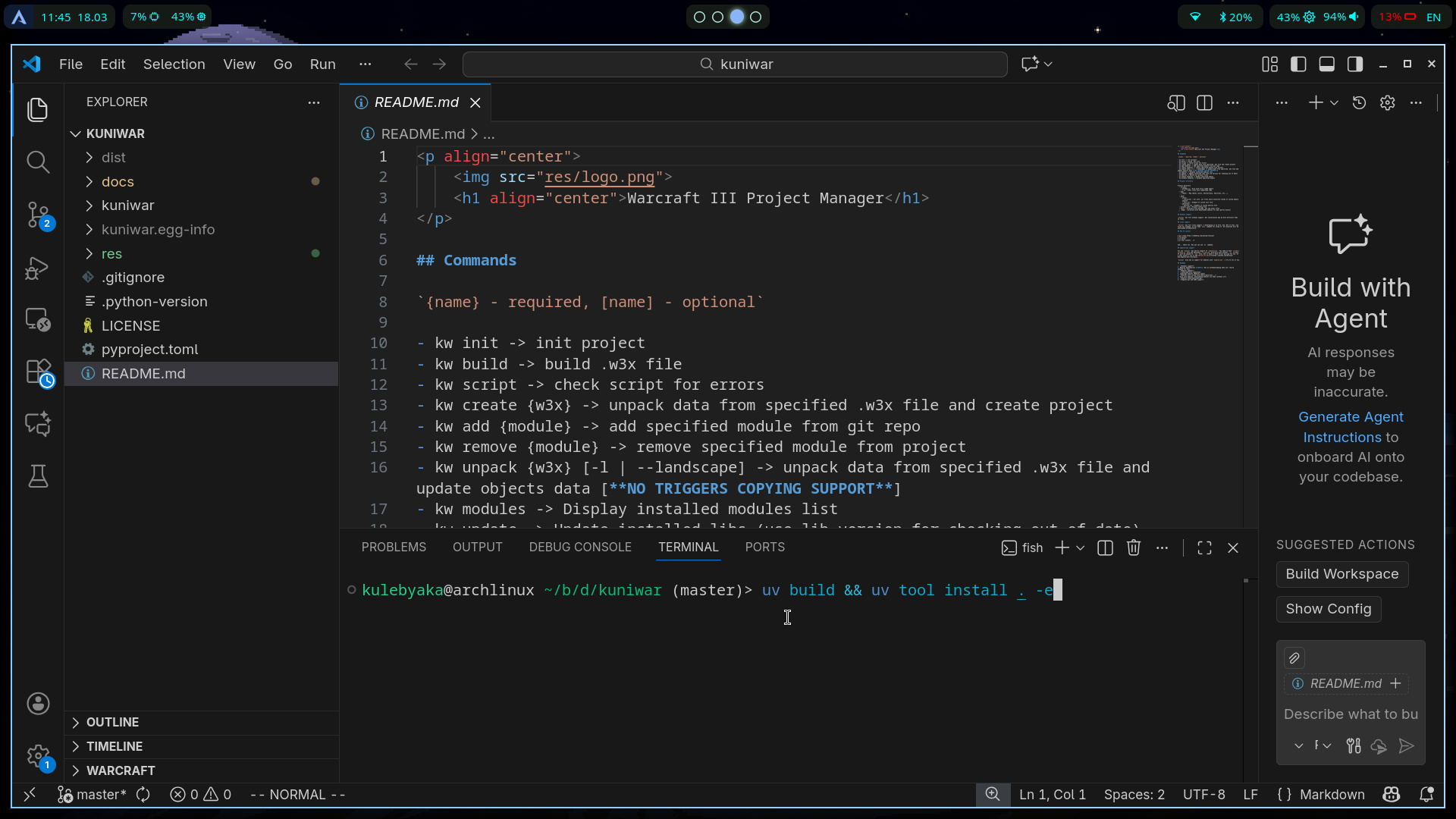
You may need to make additional configuration changes for your system, but the basic path is complete, and the kw command may already appear in your terminal.
Update
There is a built-in command that will perform all the previous steps for you and update your version of kw:
Troubleshooting Post-Installation Issues
Someday someone will write this...