Installation
You will need the Python utility uv and Git. For an easier setup you can also use VS Code.
After installing the required dependencies, go to the project page, click the three dots. In the menu that opens, click Open with VS Code.
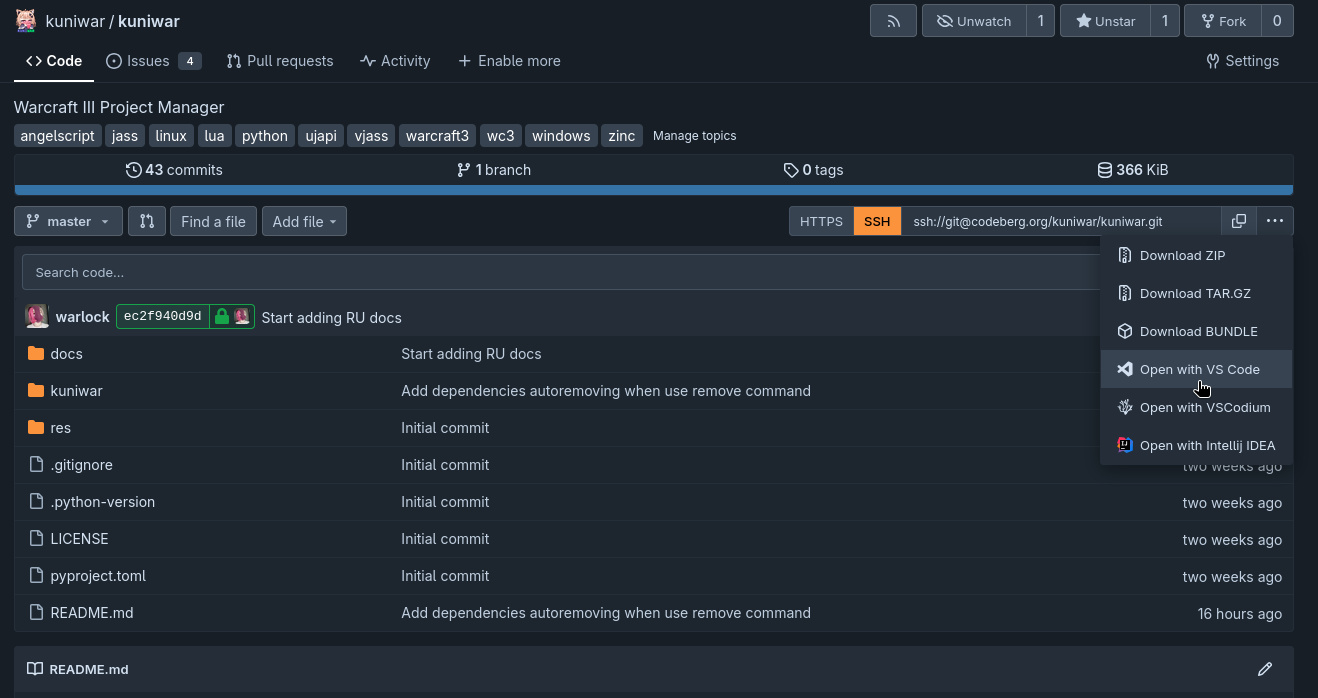
Then follow the instructions in the editor.
Building the project
After cloning the repository you will need to build and install the project. Run the following commands in a terminal:
Important
$ in the commands is just the prompt indicating the user — do not type the $ character.
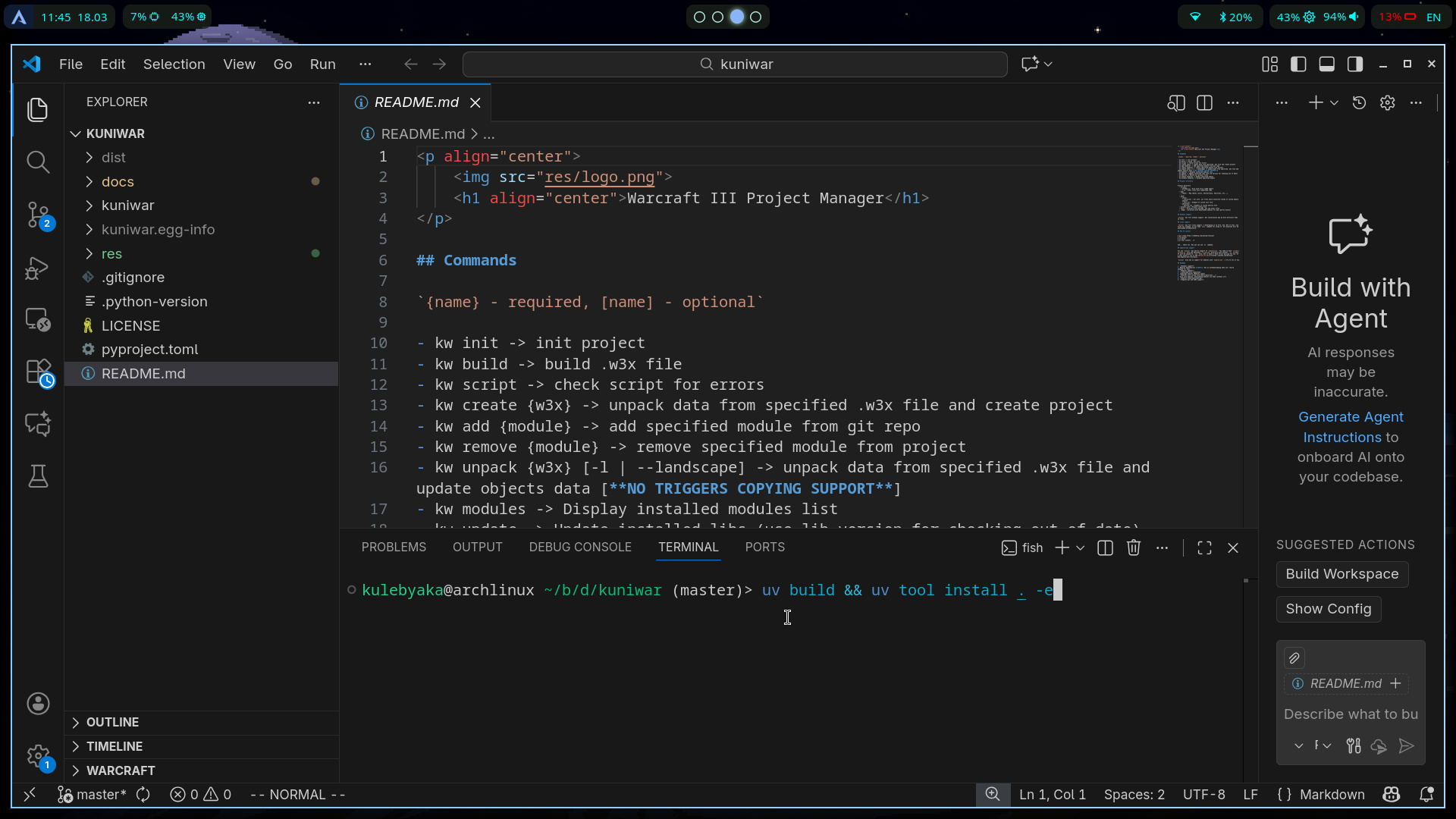
You may need additional configuration for your system, but the main steps are complete and you should now have the kw command available in your terminal.
Troubleshooting after installation
Someone will write this sometime...